
1
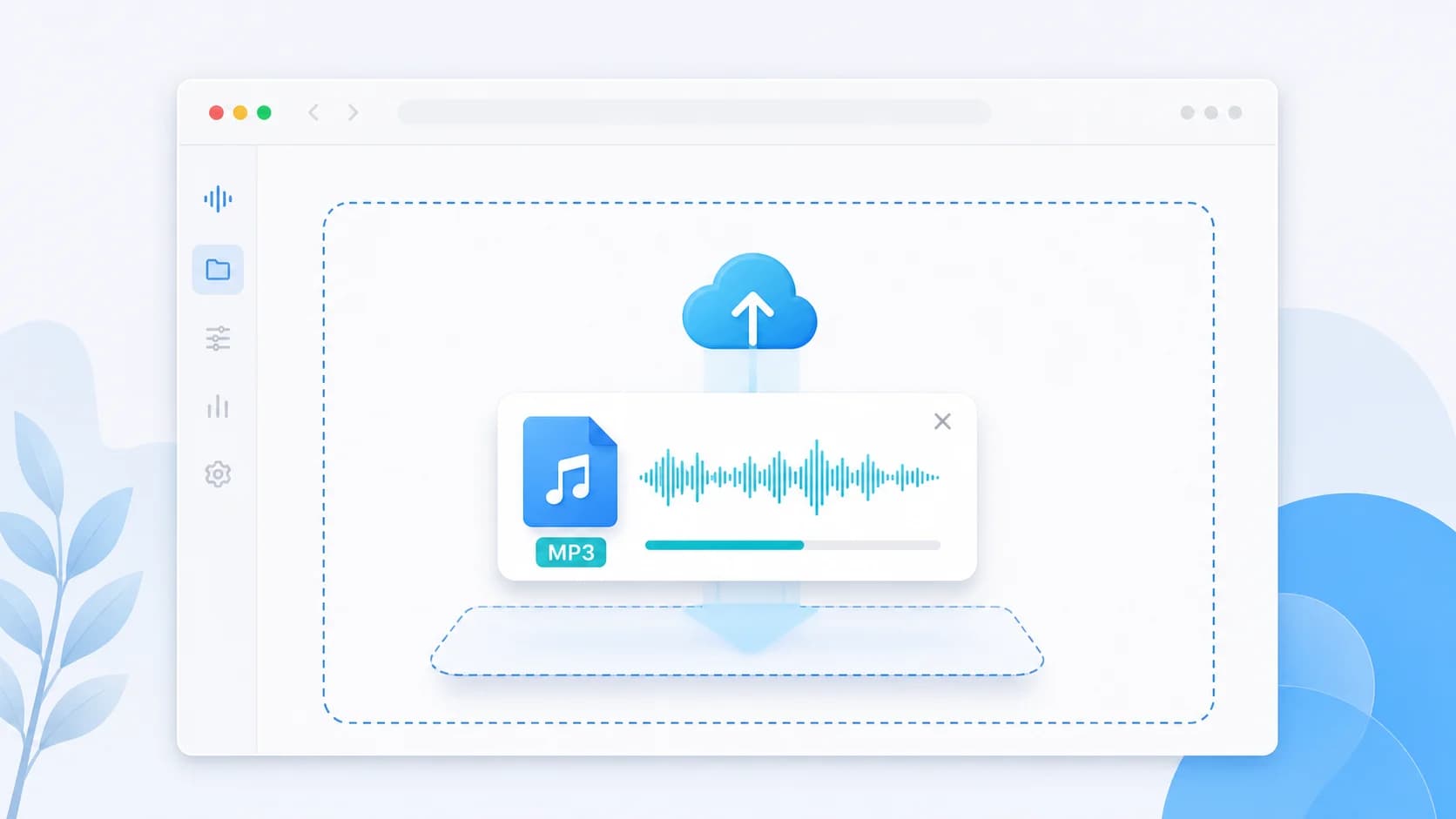
Upload Your Audio File
Simply drag and drop or select your audio file. Our audio compressor supports MP3, WAV, M4A, OGG, and other common formats.
Quickly reduce audio file size without losing quality. Our fast, secure, and free audio compressor works directly in your browser. (बिना क्वालिटी खोए ऑडियो का आकार कम करें।)
Are you struggling with large audio files taking up too much storage space or being impossible to share via email and WhatsApp? An efficient audio compressor is the perfect solution. Our online audio compressor is designed to quickly and easily reduce the size of your MP3, WAV, M4A, and OGG files without compromising on listening quality.
Unlike clunky desktop software, our browser-based audio compressor requires no installation and no account registration. Whether you are a podcaster trying to meet upload limits, a musician sharing draft tracks, or just someone looking to free up space on your phone, you can compress audio files in a matter of seconds. We handle the processing locally in your browser, ensuring maximum privacy and speed.
Using the right audio compressor can drastically improve your workflow. You have full control over the output format and compression level, allowing you to strike the perfect balance between file size and audio clarity. Try our free audio compressor today and see how easy it is to optimize your audio for the web, mobile devices, and fast sharing.
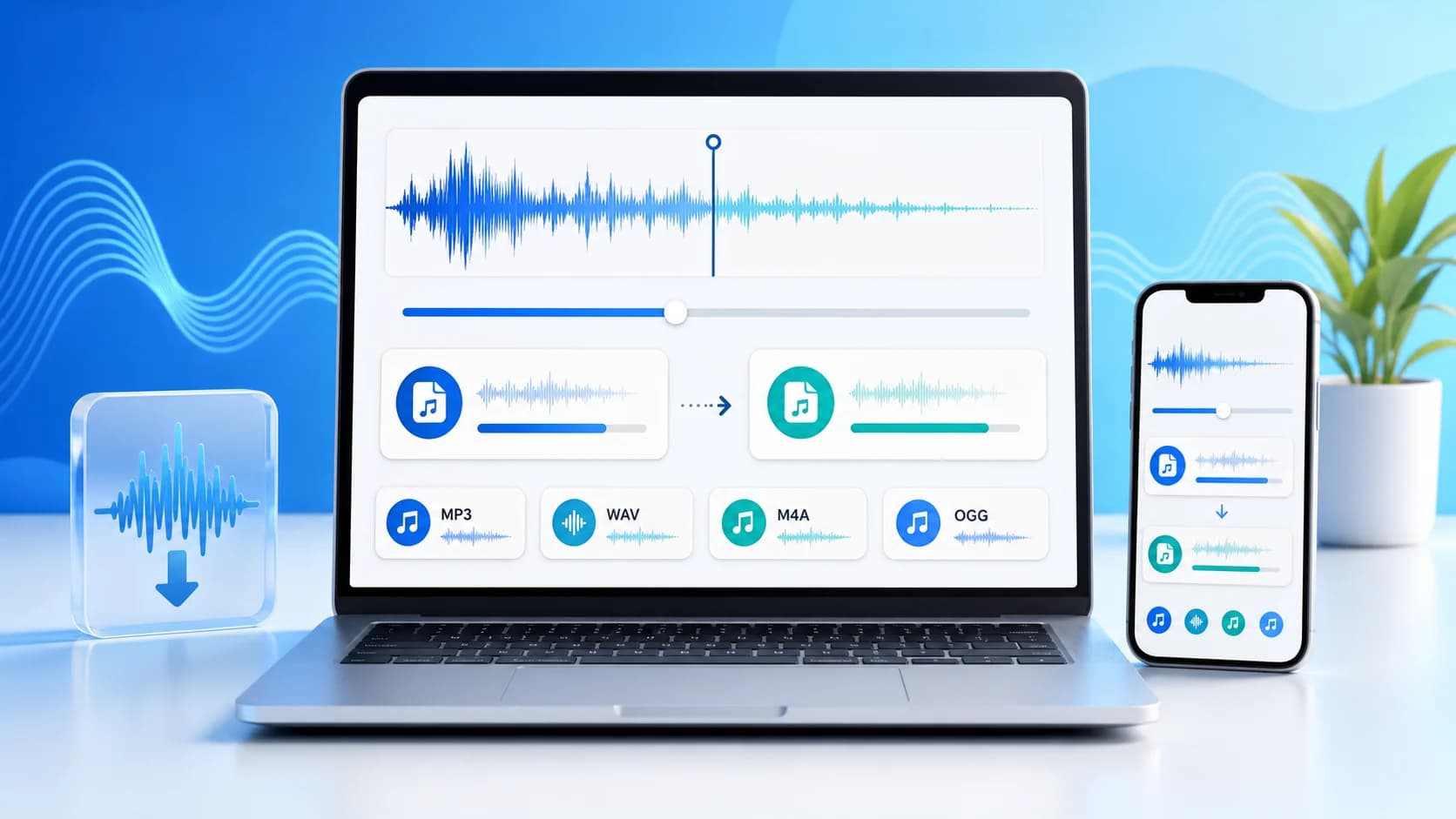
This image explains the broad use case behind the homepage: upload a source file, choose the right output, reduce file size, and keep the workflow simple across desktop and mobile.
Pro Tip: Compressing audio files significantly speeds up upload times and reduces storage costs, especially for large podcasts and voiceovers.
Three simple steps to reduce your audio file size instantly.
Simply drag and drop or select your audio file. Our audio compressor supports MP3, WAV, M4A, OGG, and other common formats.
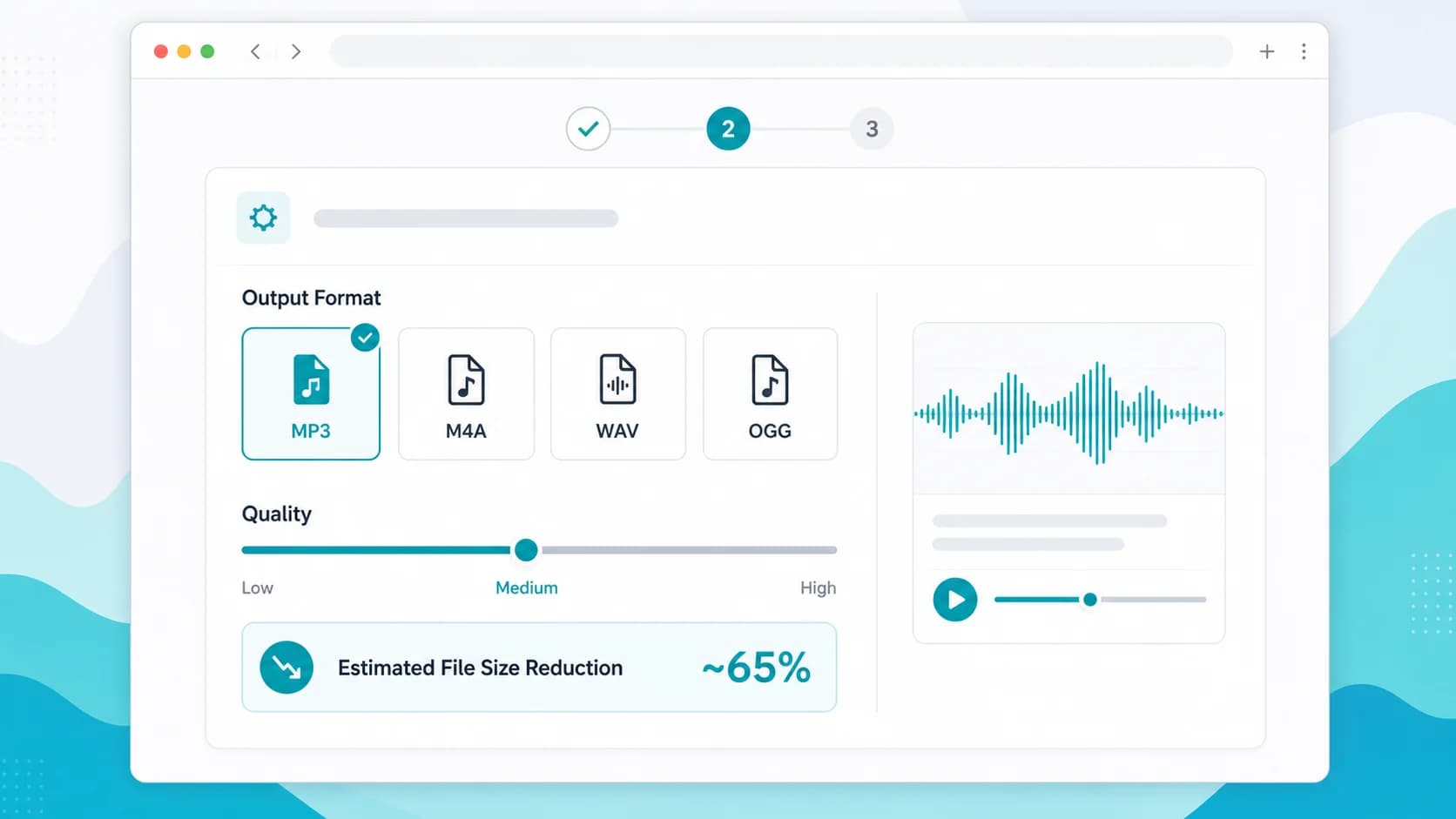
Choose your desired output format and adjust the quality slider to find the optimal balance between file size and audio quality.
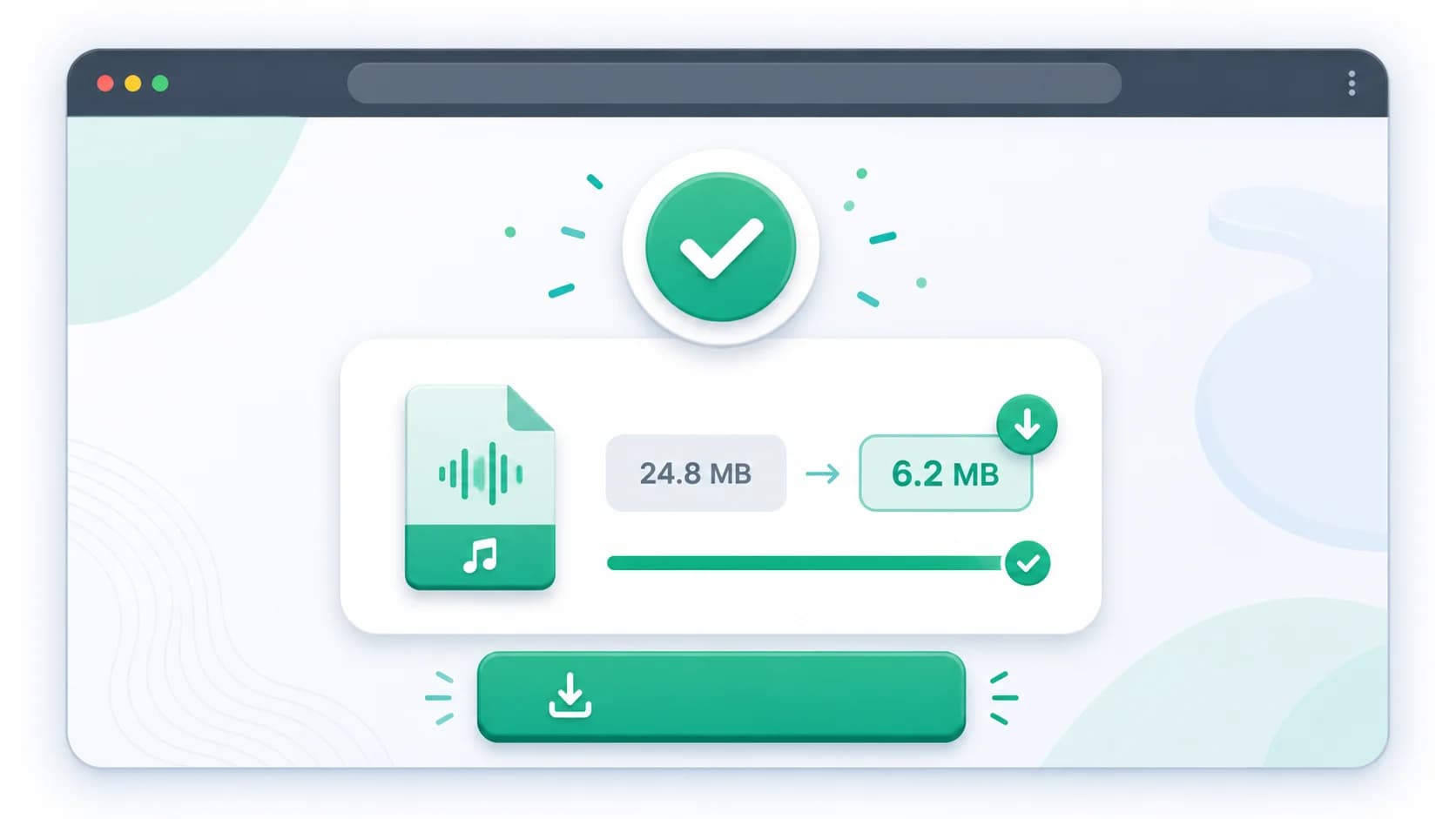
Click compress and instantly download your smaller audio file, ready to be shared via email, WhatsApp, or uploaded online.
Discover the main benefits of using our specialized online audio compressor tool.
Reduce audio file sizes completely for free, with no hidden limits, watermarks, or premium subscriptions required.
Our advanced algorithms shrink file size dramatically while preserving the original audio clarity and crispness.
Files are processed entirely within your web browser. We never upload or store your private audio recordings on our servers.
Whether you are on a smartphone, tablet, or PC, our responsive audio compressor is fully optimized for all devices.
Avoid bulky software downloads. Compress audio directly from your browser anytime, anywhere.
| Format | Use Case | Compression Efficiency | Best For |
|---|---|---|---|
| MP3 | Universal playback and sharing | High | Podcasts, music tracks, and email attachments |
| M4A | Mobile-optimized audio | Very High | WhatsApp voice notes, iOS devices, and social media |
| WAV | Lossless conversion | Low | Converting large studio masters into manageable delivery formats |
| OGG | Web streaming | High | Websites, browser-based games, and lightweight streaming apps |
AudioCompressor.in provides the best free audio compressor tool that works directly in your browser. It supports all major formats like MP3, WAV, and M4A, ensuring fast and secure file size reduction without any software installation.
An audio compressor reduces file size by lowering the bitrate and removing imperceptible sounds from the audio track. By choosing a more efficient format like M4A or optimizing an MP3, you can shrink the file significantly while maintaining good listening quality.
Yes! Our audio compressor tool processes your files locally within your web browser using WebAssembly. Your audio files are never uploaded to a remote server, ensuring 100% privacy and security.
Absolutely. Our online audio compressor is fully responsive and optimized for both Android and iOS devices. You can easily reduce audio file size on your smartphone without downloading any apps.
Not necessarily. A good audio compressor allows you to choose the quality level. While extreme compression will impact sound, finding a moderate balance will give you a significantly smaller file that still sounds excellent for voice and standard music playback.
A complete step-by-step tutorial on reducing audio file sizes for faster sharing.
Compare the two most popular audio formats to choose the right one for compression.
Learn the secrets to compressing your audio recordings while keeping them crisp and clear.