
1
Start with your existing MP3 or source file
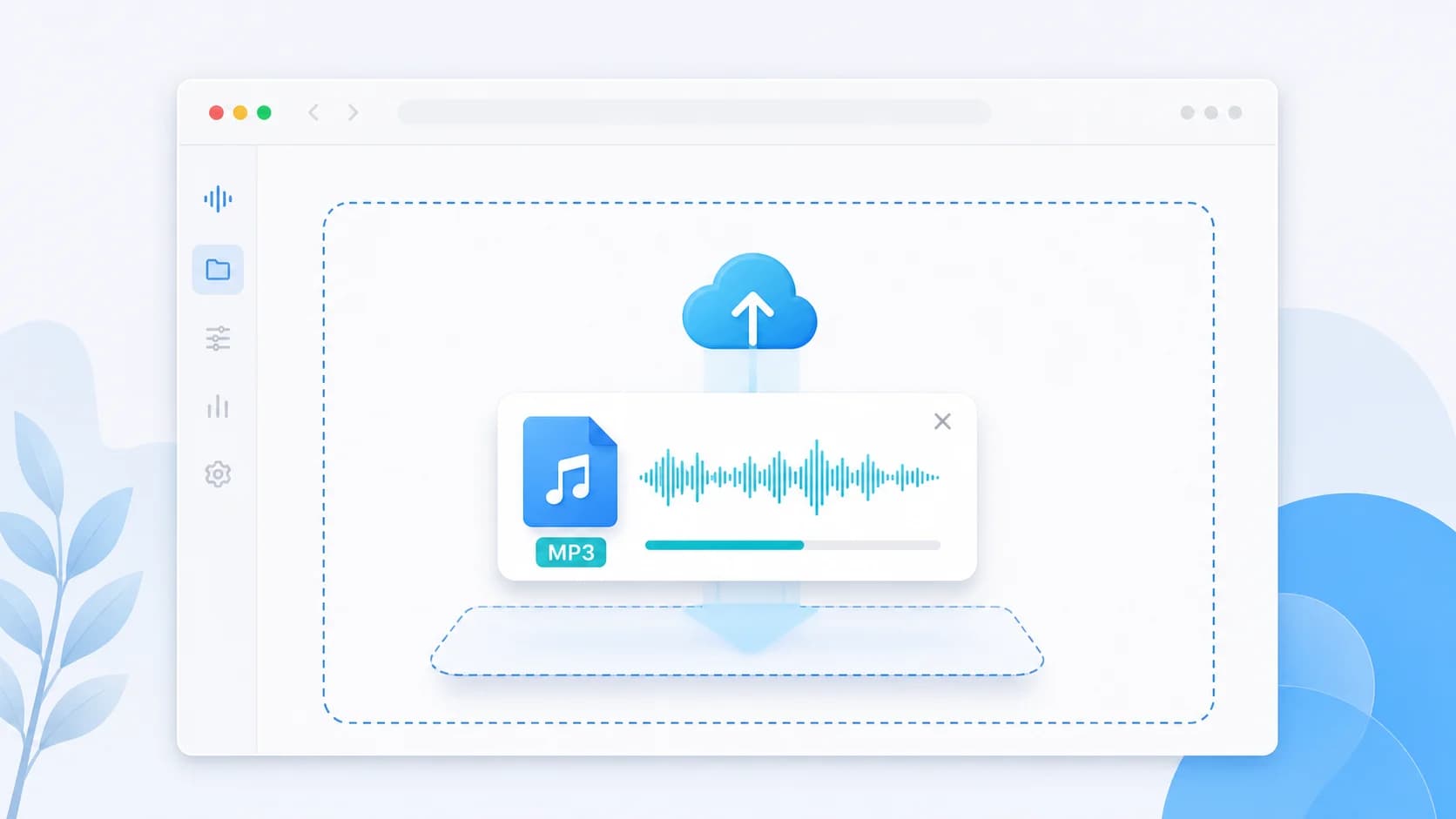
Upload the file you want to reduce, whether it is already an MP3 or another audio file you want to export as MP3.
Shrink MP3 files for universal playback, quicker sharing, and smoother delivery across mixed devices and apps. (MP3 फ़ाइल का आकार कम करें।)
An MP3 compressor solves a specific problem: you already know compatibility matters, and you want to reduce file size without changing to a less familiar format. That is why this page should be different from a general audio compressor. People landing here are usually sending audio to clients, mixed-device teams, public audiences, or older software environments where MP3 is still the safest choice.
MP3 remains useful because it is predictable. Almost every phone, browser, editor, and messaging workflow can handle it. The tradeoff is that MP3 is not always the most size-efficient format compared with M4A, so the job of this page is not just to compress MP3 files. It is to help you keep compatibility while using the right level of compression for voice notes, lessons, previews, explainers, and quick review copies.
This workflow makes the most sense when you need reliable playback first and maximum compression efficiency second. If your audience is unknown, broad, or technically mixed, MP3 is often the right answer. If your audience is mostly mobile-first and modern, you may get smaller files with M4A. That is why this page focuses on keeping MP3 practical instead of pretending every audio job should use the same output format.
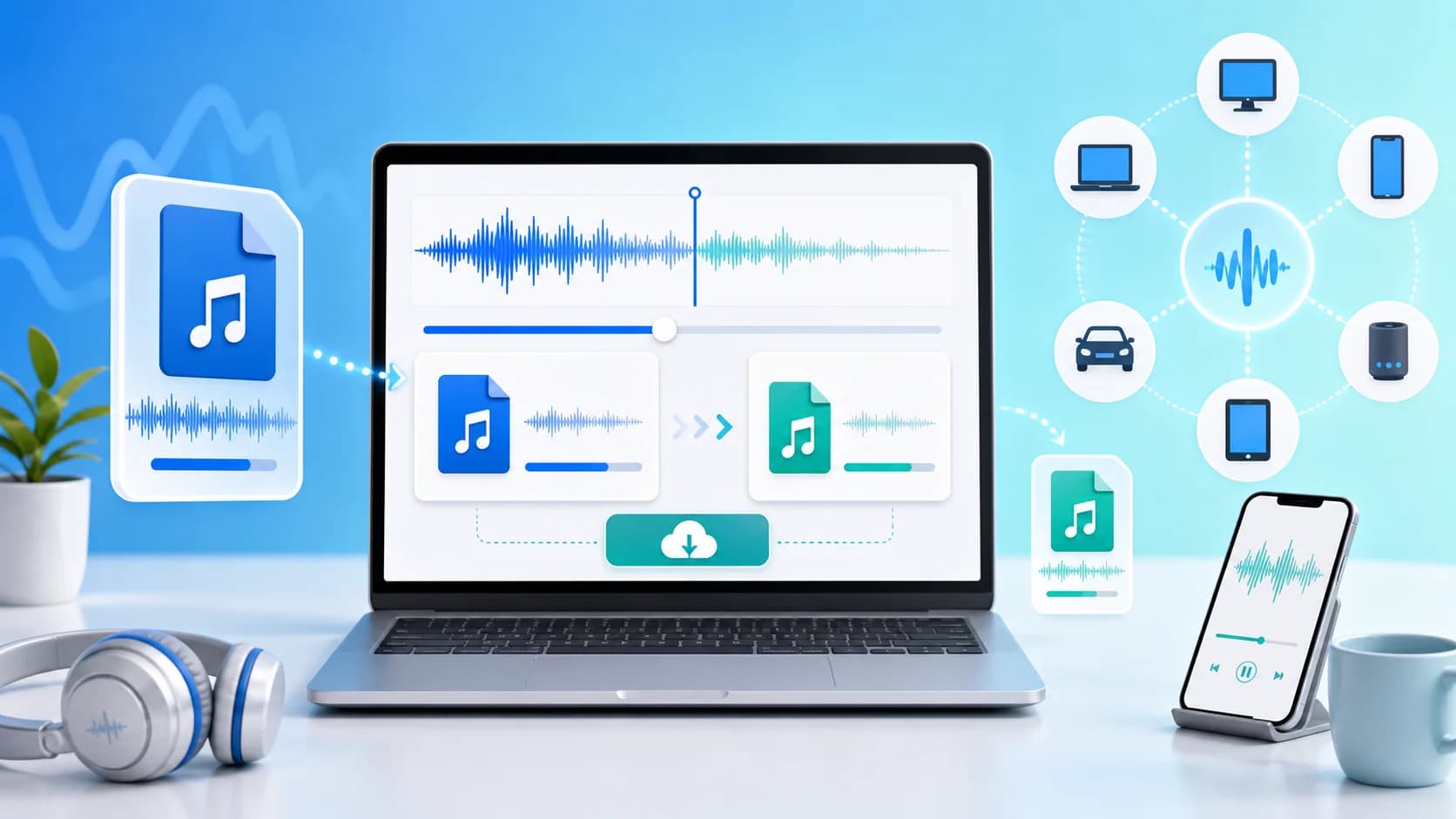
The MP3 page image visually supports the page intent: take a larger audio file, export or compress it to MP3, and keep playback reliable across mixed apps, devices, and client workflows.
Pro Tip: Compressing audio files significantly speeds up upload times and reduces storage costs, especially for large podcasts and voiceovers.
Three simple steps to reduce your audio file size instantly.
Upload the file you want to reduce, whether it is already an MP3 or another audio file you want to export as MP3.
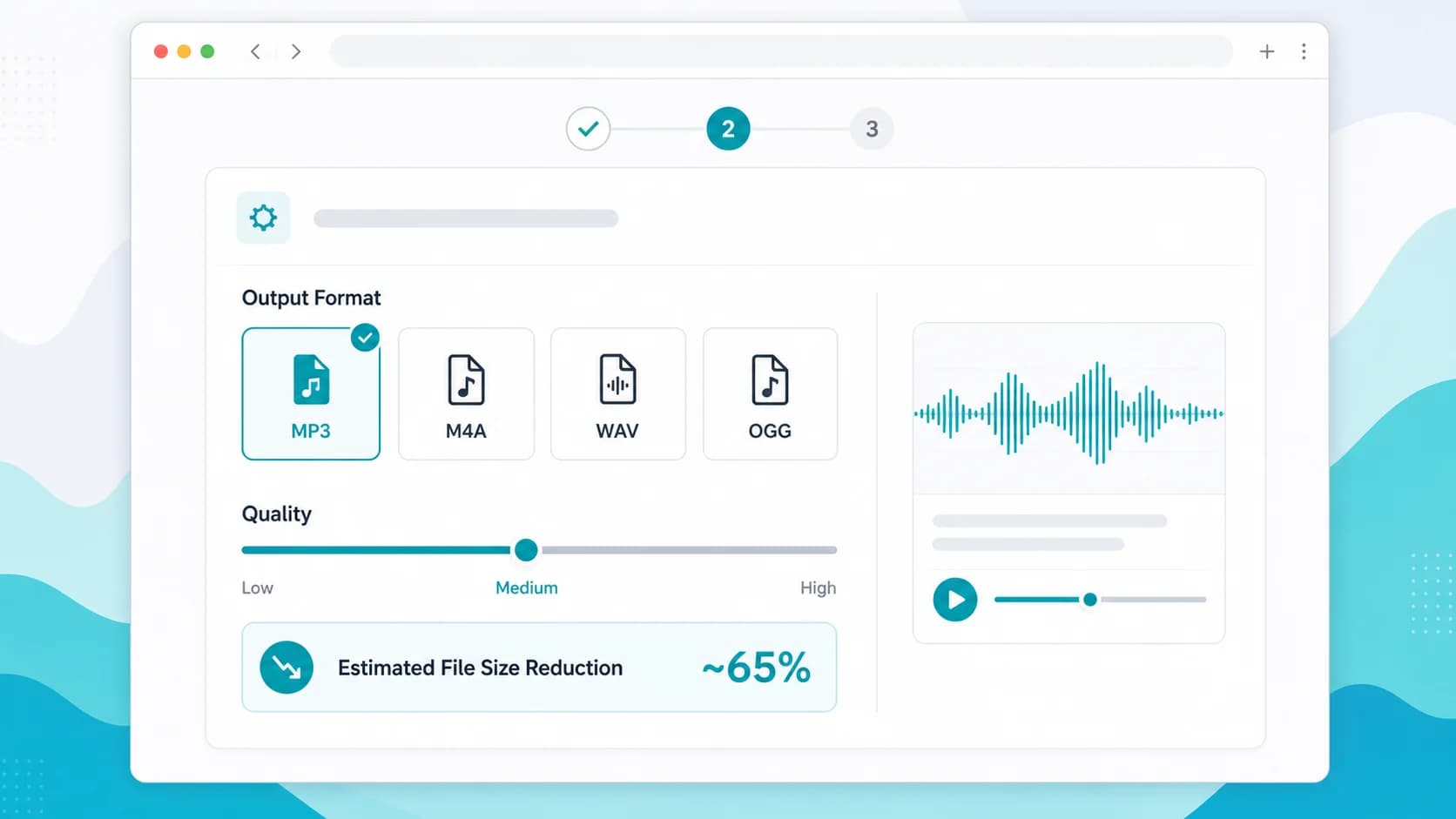
Choose MP3 output and lower bitrate carefully so the file becomes smaller without making speech or music sound weak.
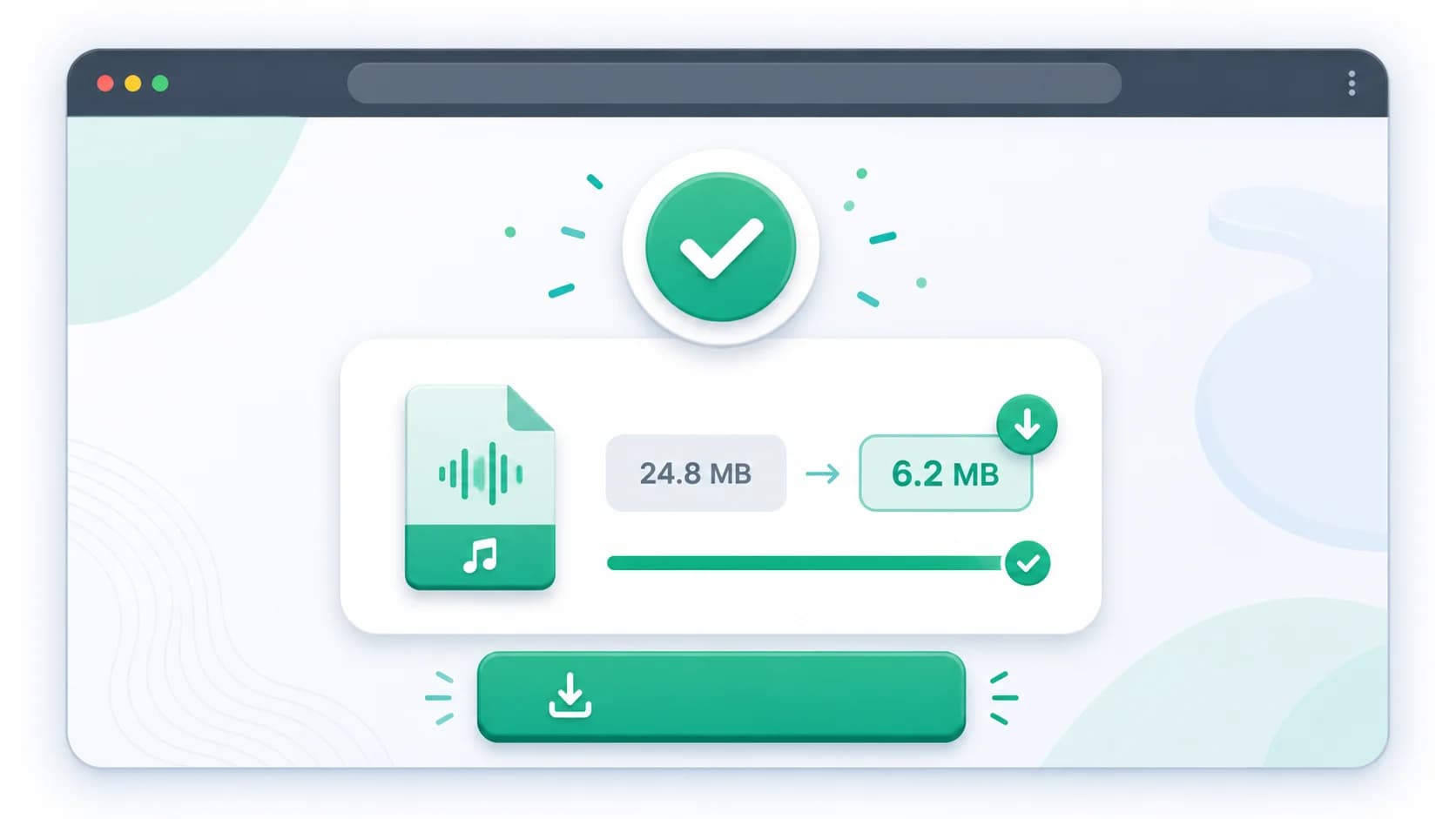
Save the compressed MP3 and use it in email, WhatsApp groups, learning portals, or client review workflows.
Discover the main benefits of using our specialized online audio compressor tool.
MP3 is still the easiest choice when you do not control the device, app, or software your recipient will use.
Smaller MP3 files are easy to hand off in Slack, email, WhatsApp, and project comments without format confusion.
Even if you keep M4A as a default elsewhere, MP3 is a dependable backup export for universal distribution.
Voice notes, explainers, meeting clips, and student submissions often compress well enough in MP3 for daily sharing.
Teams already familiar with MP3 can keep existing naming, archival, and delivery habits while lowering file size.
| Format | Use Case | Compression Efficiency | Best For |
|---|---|---|---|
| MP3 | Compatibility-first export | High | Unknown recipients, clients, and mixed hardware or software stacks |
| M4A | Efficiency benchmark | Very High | Comparing whether a smaller modern format can outperform MP3 for your use case |
| WAV | Large source file input | Low | Turning raw review audio into an MP3 that is much easier to distribute |
| OGG | Alternative web codec | High | Situations where you do not need MP3's broad compatibility advantage |
Choose MP3 when the file must open reliably across unknown devices, older apps, client systems, or legacy review workflows.
Yes. This page is useful both for shrinking existing MP3 files and for exporting other audio sources into a smaller MP3 delivery version.
Yes. For many speech-heavy files, MP3 remains a practical format as long as you avoid lowering the bitrate too aggressively.
MP3 is strong on compatibility, but M4A can often produce smaller files at similar perceived quality on modern devices.
Use it when your distribution priority is universal playback, client friendliness, or consistency across a wide mix of devices and apps.
A side-by-side decision guide for compatibility, quality, and file-size efficiency.
Useful if your MP3 compression goal is messaging and mobile delivery.
A broader workflow for deciding how far to compress before quality suffers.