
1
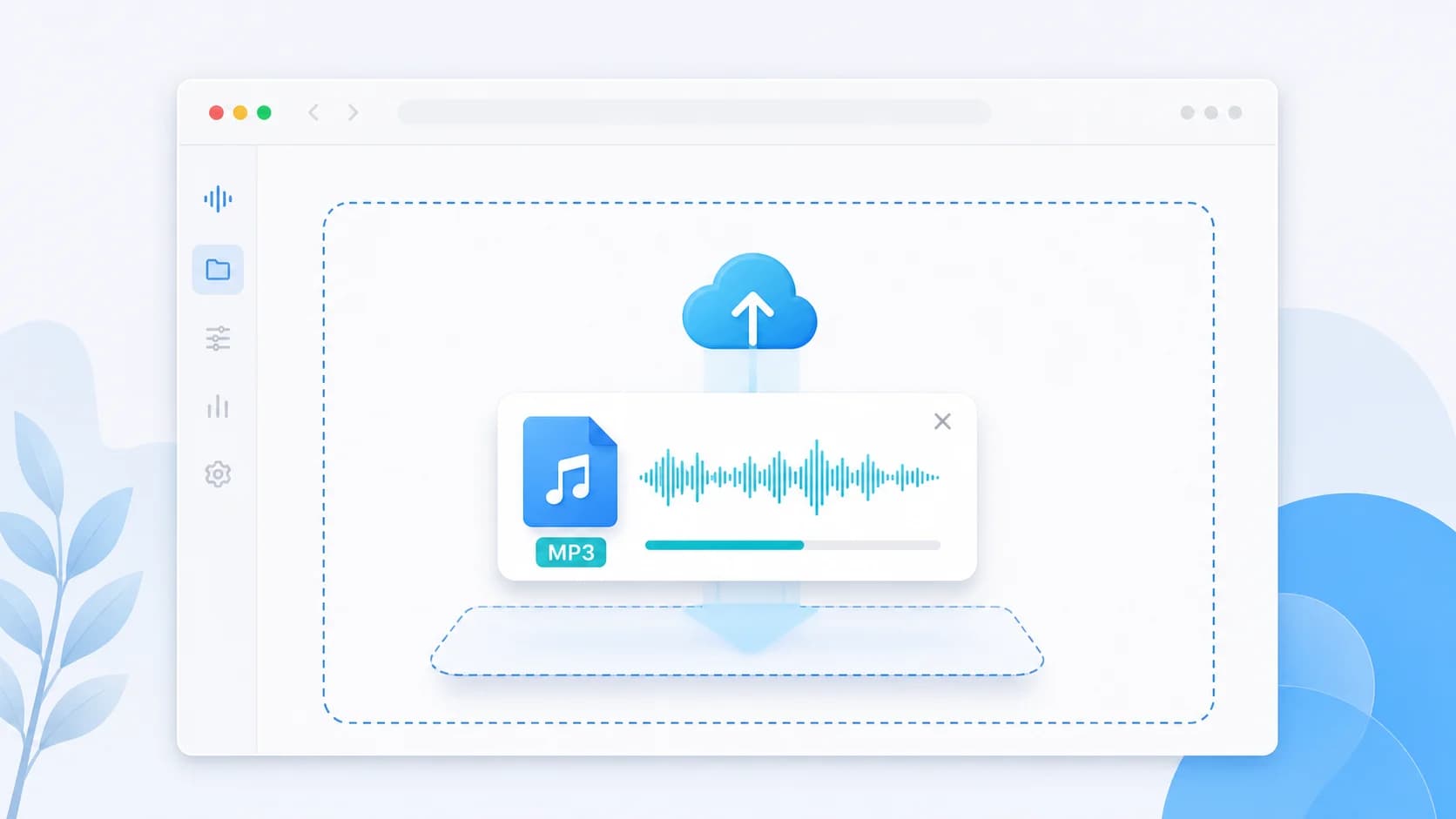
Upload an M4A file or another source
Bring in the audio you want to optimize for mobile delivery, messaging, or lightweight sharing.
Shrink M4A files for mobile-first delivery, better size efficiency, and cleaner output on modern devices. (M4A फ़ाइलों को आसानी से कंप्रेस करें।)
An M4A compressor is for users who care about efficiency, not just compatibility. M4A, usually backed by AAC, often delivers better quality than MP3 at the same or lower bitrate. That makes it a smart choice for WhatsApp sharing, mobile-first collaboration, social drafts, and other workflows where smaller files save time but the audio still needs to sound clean.
This page should rank for a more specific intent than the homepage because the searcher already knows the format they want. They are not asking whether audio can be compressed in general. They are asking how to make M4A files smaller and still usable. That changes the content strategy: the copy needs to explain why M4A is efficient, when it outperforms MP3, and when compatibility concerns might still push you back toward MP3.
Use this workflow when your audience is mostly on current Android phones, iPhones, social apps, or recent browsers. In those contexts, M4A is often the better everyday format because it reduces transfer time and keeps vocals or light music cleaner at lower file sizes. If you later discover compatibility friction, you can always fall back to MP3, but this page is designed for people who want to start from the more efficient option.
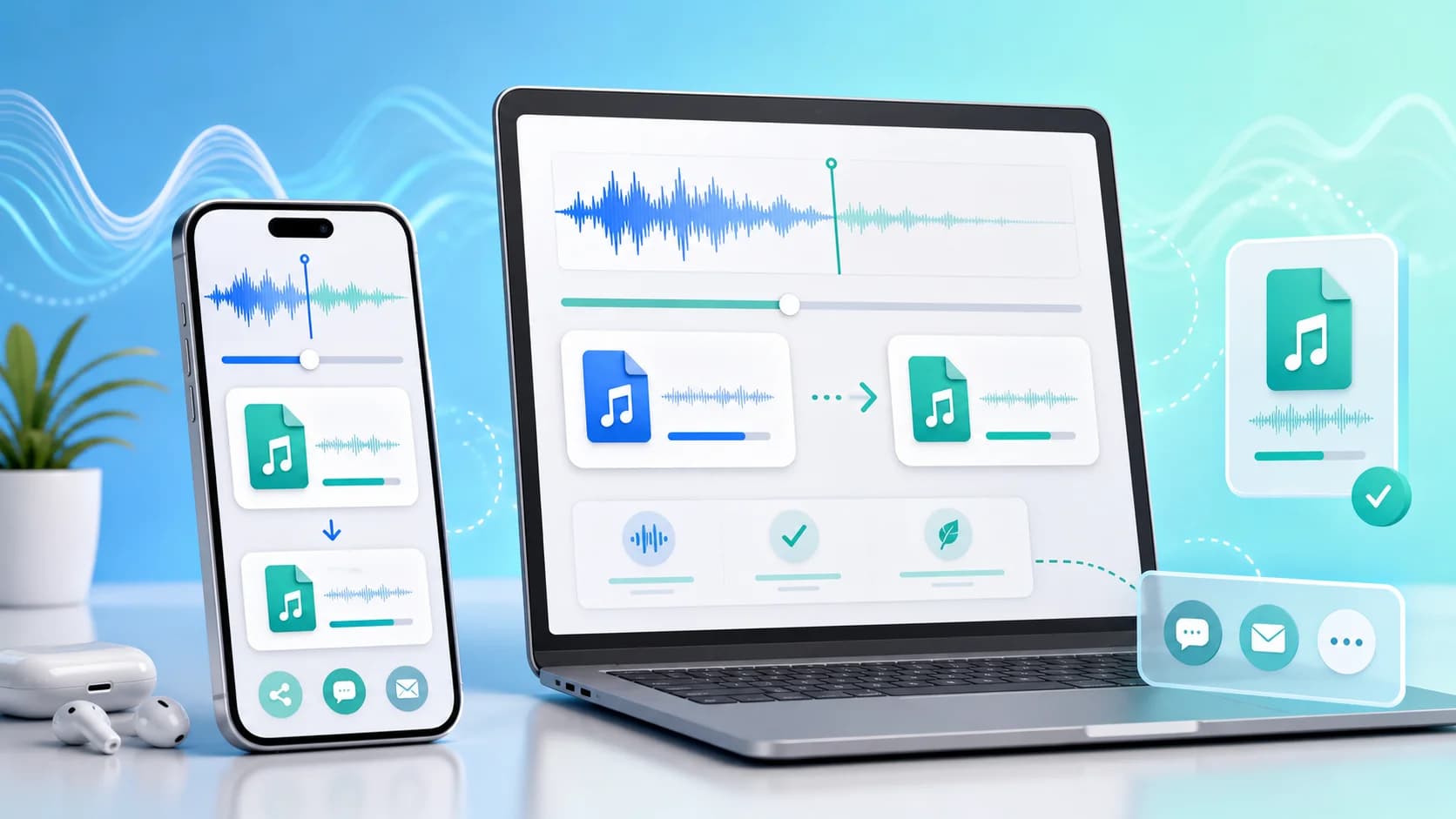
The M4A image shifts the emphasis toward smartphone sharing, smaller file delivery, and cleaner quality at lower bitrates on modern devices.
Pro Tip: Compressing audio files significantly speeds up upload times and reduces storage costs, especially for large podcasts and voiceovers.
Three simple steps to reduce your audio file size instantly.
Bring in the audio you want to optimize for mobile delivery, messaging, or lightweight sharing.
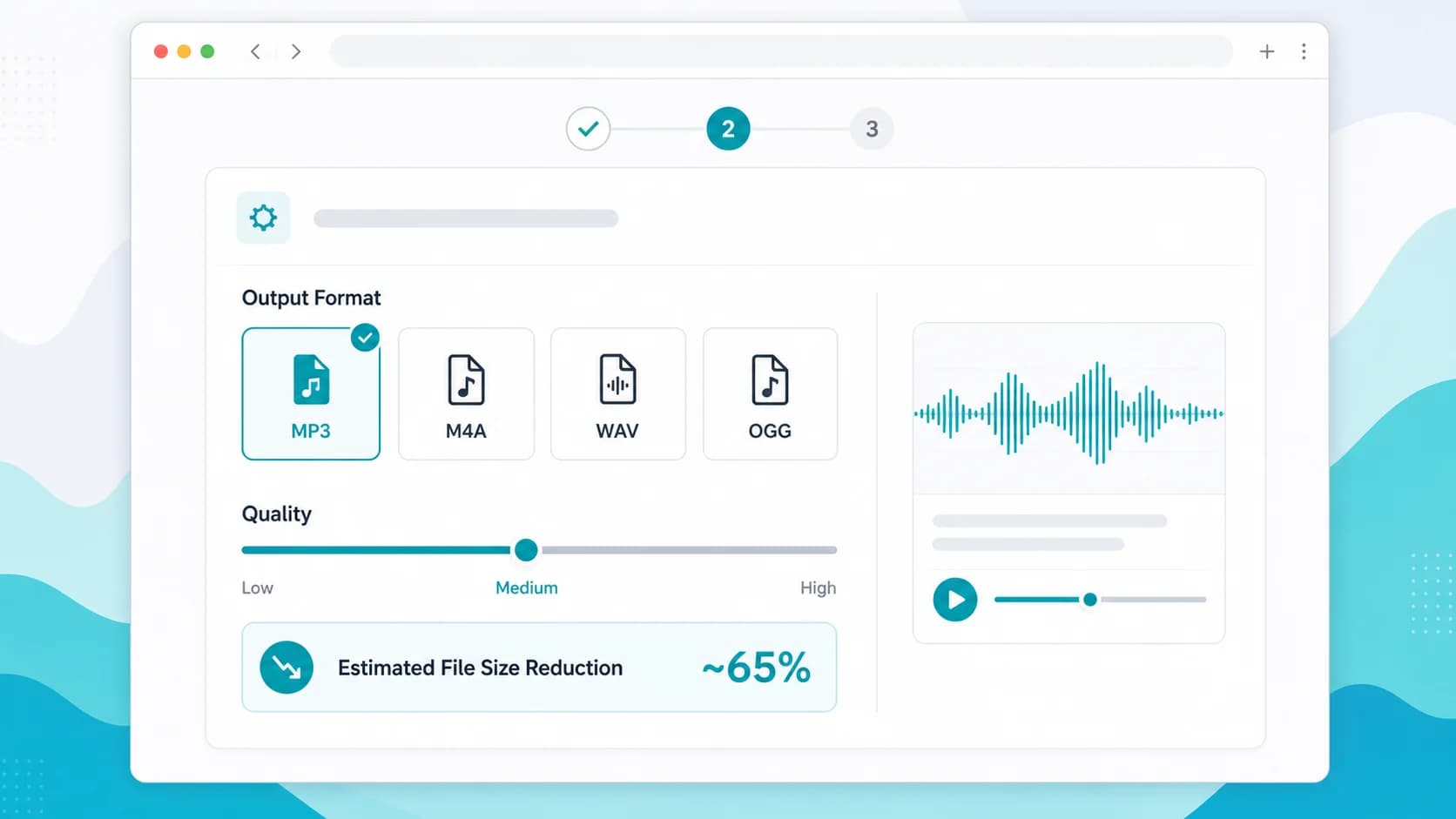
Keep bitrate high enough for clear voice or music while trimming the extra size you do not need for delivery.
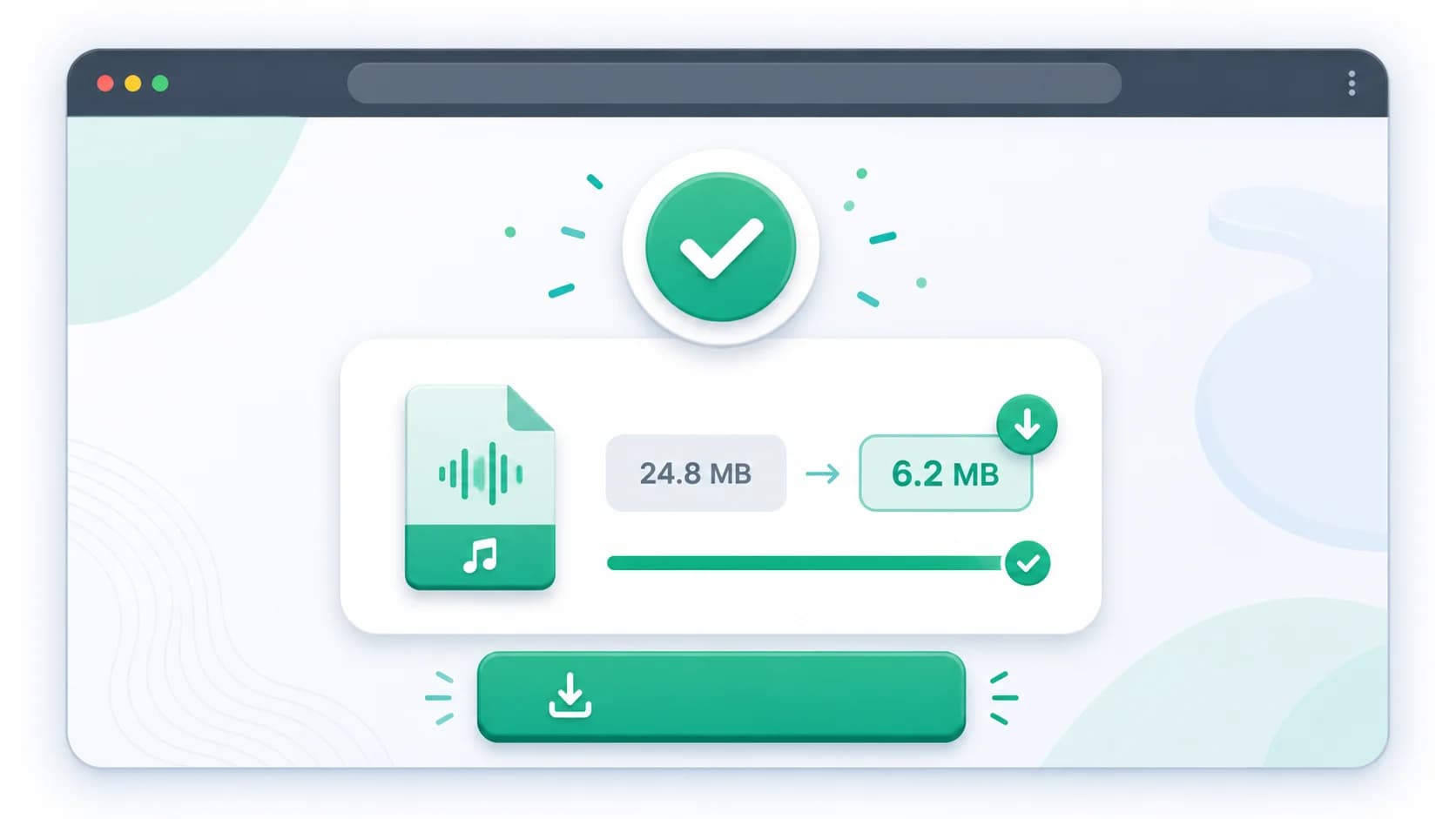
Download the optimized file and use it for WhatsApp, email, reels drafts, or internal team distribution.
Discover the main benefits of using our specialized online audio compressor tool.
M4A can often keep speech and light music cleaner than MP3 at similar file sizes, especially for mobile delivery.
A good option when you send frequent voice explainers, coaching clips, or group updates and want faster transfers.
Smaller M4A outputs can speed up draft approvals and review loops when teams share social assets constantly.
When your audience mostly uses recent phones, M4A often gives you smaller files without obvious practical downside.
If you are deciding between MP3 and M4A, this page helps you test the more efficient option first.
| Format | Use Case | Compression Efficiency | Best For |
|---|---|---|---|
| M4A | Modern mobile audio | Very High | WhatsApp sharing, social drafts, and bandwidth-conscious delivery |
| MP3 | Compatibility fallback | High | Situations where recipient software or hardware is older or unknown |
| WAV | Large source input | Low | Converting bulky source files into efficient M4A delivery versions |
| OGG | Alternative efficient codec | High | Web-specific pipelines that do not need AAC/M4A familiarity |
M4A often preserves more perceived quality at lower bitrates, which makes it attractive for messaging, social, and mobile-first workflows.
Yes. M4A works well across current Android and iPhone devices, which is why it is a strong default for many everyday sharing tasks.
Avoid it when you know the recipient depends on older playback systems or when a client explicitly requests MP3 for compatibility reasons.
Yes. It is especially relevant when you want smaller files for WhatsApp while keeping voice clarity and reducing resend friction.
Creators, educators, coaches, and mobile-first teams benefit most because they often care more about efficient delivery than legacy playback support.
This guide explains why M4A is often the better everyday choice for messaging in India.
A decision framework for picking the right default format for your team or audience.
Helpful if you are using M4A for social draft delivery and creator collaboration.