
MP3 vs M4A — Which Audio Format is Better? (Full Comparison)
Compare MP3 vs M4A for quality, file size, and compatibility. Pick the right format for WhatsApp, Instagram, clients, and team sharing.
By AudioCompressor.in | Published 2025-01-22 | Updated 2025-01-22
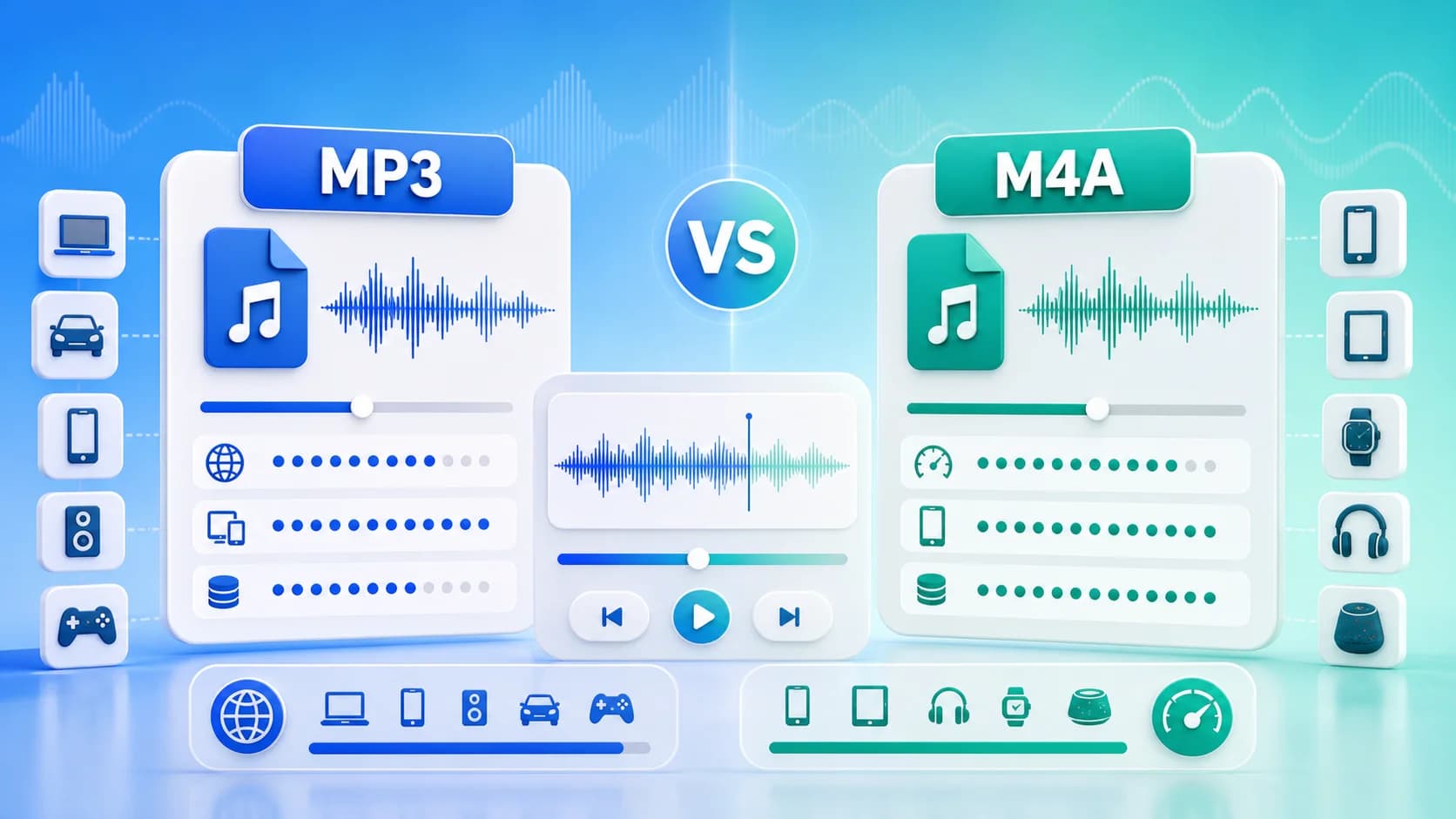
Why this article uses a visual explainer
The image is paired with the guide so readers can understand the core workflow faster and search engines can connect the image topic with the surrounding page intent.
This is especially helpful for format comparisons, file-size reduction tutorials, and quality-preservation guides where a strong visual summary adds context before the detailed steps begin.
When people compare MP3 vs M4A, the conversation usually sounds technical. In reality, the choice is practical: do you need maximum compatibility, or do you need better quality at smaller size? This guide gives you a clear decision framework without unnecessary complexity.
Quick Answer
- Choose MP3 when broad compatibility is the top priority.
- Choose M4A when quality-to-size efficiency matters more.
If you work with modern phones and social apps, M4A is often the smarter default. If you distribute across unknown device environments, MP3 is still the safest.
What Is MP3?
MP3 is one of the oldest and most widely supported compressed audio formats. It became the standard for portable audio because it shrinks file size drastically while staying playable almost everywhere.
MP3 strengths
- Massive compatibility across old and new devices.
- Works in almost every editor and platform.
- Easy collaboration with mixed technical teams.
MP3 limitations
- Less efficient than modern codecs at the same bitrate.
- Can require higher bitrate to maintain comparable clarity.
What Is M4A?
M4A usually contains AAC audio, a newer codec family that often preserves quality better at lower bitrates.
M4A strengths
- Better size-to-quality balance in many cases.
- Strong mobile and streaming performance.
- Good for bandwidth-conscious sharing.
M4A limitations
- Slightly less universal in very old software environments.
- Some legacy production pipelines still default to MP3.
MP3 vs M4A Comparison Table
| Criteria | MP3 | M4A | |---|---|---| | Compatibility | Excellent | Very good | | File size efficiency | Good | Very good | | Quality at lower bitrate | Good | Better | | Editing support | Excellent | Very good | | Best for | Broad distribution | Modern mobile sharing |
Quality and Bitrate Behavior
At the same nominal bitrate, M4A often retains more detail, especially in complex passages and speech intelligibility. That means you can hit lower file sizes without as much audible degradation.
Practical examples:
- Voice notes at 64-80 kbps: M4A frequently sounds cleaner.
- Music preview at 128 kbps: M4A may keep more high-frequency detail.
- Legacy playback requirement: MP3 remains safer.
So the best format depends on where the file goes after export.
Compatibility in India: Real-World View
For Indian users in 2026, both formats are broadly usable on Android and iPhone. WhatsApp, Instagram workflows, and mainstream media apps generally handle both formats well. Problems mainly appear in older software environments, older car systems, or certain legacy CMS upload validators.
If your audience includes mixed old devices, MP3 is low-risk. If your audience is mostly on modern smartphones, M4A is usually better.
Performance and Workflow Impact
Smaller files are not just about storage. They also improve:
- Upload speed on mobile data.
- Team handoff speed in messaging apps.
- Archive costs for large content libraries.
- Reliability during repeated publishing cycles.
M4A often reduces these friction points because it can achieve smaller output at similar quality.
When MP3 Is the Better Choice
Use MP3 when:
- You need universal playback certainty.
- A client specifically asks for MP3.
- You work with tools that export/import MP3 more smoothly.
- You distribute to unknown technical audiences.
Start with MP3 compressor for this path.
When M4A Is the Better Choice
Use M4A when:
- Mobile-first distribution is the norm.
- You need smaller files without obvious quality loss.
- You share frequently over messaging apps.
- Bandwidth and transfer time matter.
Use M4A compressor to test output quickly.
Conversion Strategy That Saves Time
Instead of arguing format in theory, do this:
- Compress one file to MP3 and M4A.
- Keep same quality target.
- Compare size and clarity on mobile playback.
- Pick the winner for that content category.
Repeat this once per content type (voice notes, reels audio, podcasts, classes). Then define your team default.
Typical Mistakes
- Always exporting WAV for casual sharing.
- Choosing MP3 forever out of habit.
- Picking ultra-low bitrate for voice and losing clarity.
- Recompressing already-compressed files repeatedly.
Small process improvements prevent all four mistakes.
Final Recommendation
In most modern workflows, M4A wins on efficiency while MP3 wins on compatibility. A sensible approach is to set M4A as your default and keep MP3 as fallback.
Test both on free audio compressor, then read Best Audio Format for WhatsApp for channel-specific guidance.
Cost and Productivity Perspective
Format choice also affects productivity and operating cost at scale. If your team shares hundreds of clips per month, lower average file size reduces transfer wait time, cloud storage growth, and repeated upload attempts. M4A often helps in this scenario.
However, compatibility failures can also create hidden cost. If even a small percentage of recipients cannot play a file, support overhead rises quickly. That is where MP3 still provides predictable reliability.
The right move is operational:
- Choose M4A default for modern channels.
- Keep MP3 fallback for universal distribution.
- Document when each should be used.
Decision Matrix by Audience Type
- Public consumer audience: M4A default, MP3 fallback.
- Corporate mixed-device audience: MP3 default.
- Creator collaboration teams: M4A default, MP3 for client delivery.
- Education groups: M4A for small size, MP3 if compatibility issues appear.
This matrix removes guesswork and speeds publishing.
Final Rule of Thumb
If you have no special constraint, start with M4A. If compatibility becomes an issue, switch to MP3 immediately. A clear two-format strategy is better than endlessly testing edge-case codecs.
For implementation speed, bookmark audio compressor online and create both outputs side by side whenever a new content stream starts.
That one comparison habit gives teams a data-backed default instead of guesswork and reduces avoidable rework during distribution.
Use it weekly.