
How to Compress Audio Without Losing Quality — Complete Guide
Learn how to compress audio without losing quality using smarter format, bitrate, and workflow choices for voice notes, reels, and podcasts.
By AudioCompressor.in | Published 2025-01-25 | Updated 2025-01-25
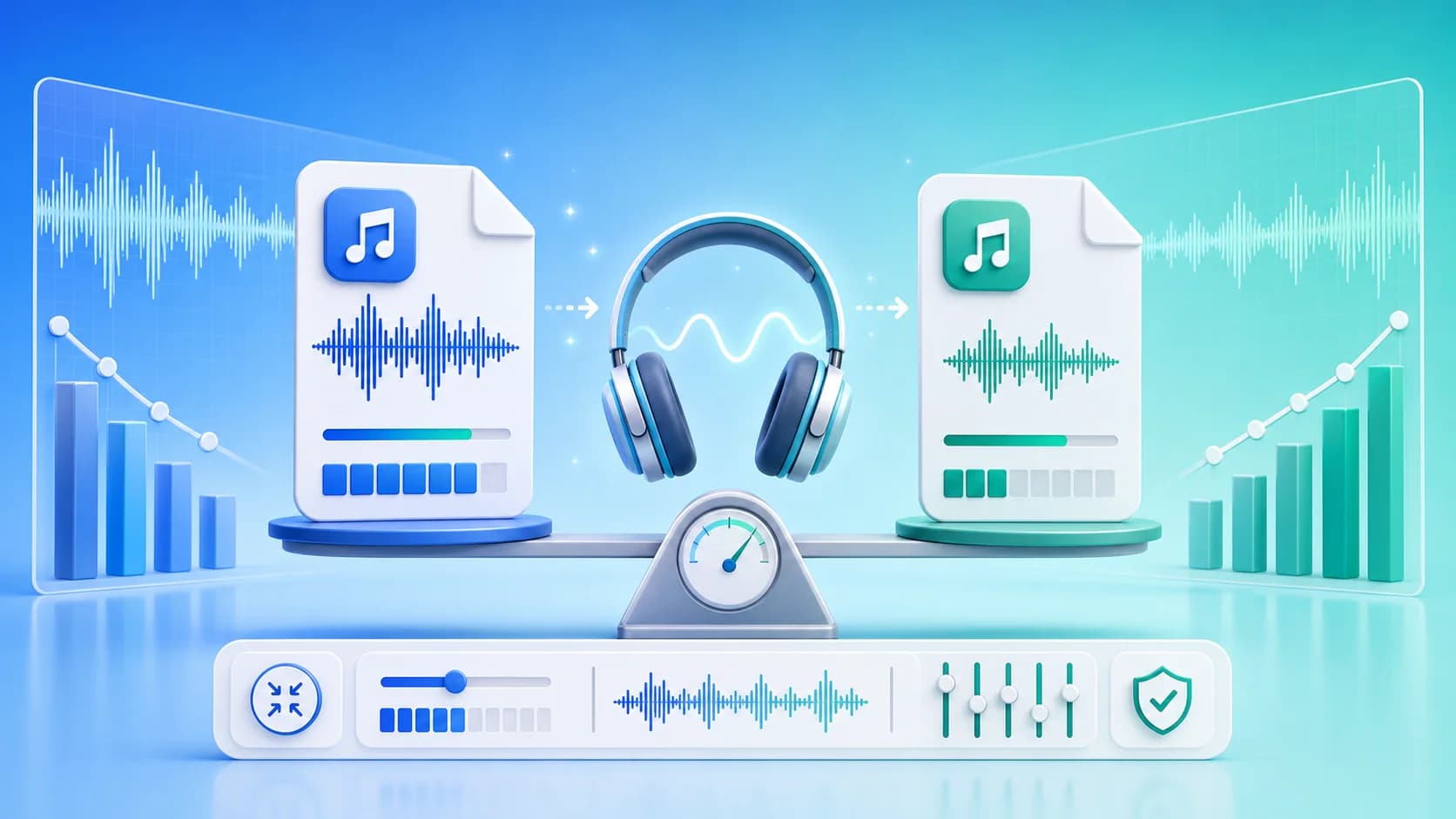
Why this article uses a visual explainer
The image is paired with the guide so readers can understand the core workflow faster and search engines can connect the image topic with the surrounding page intent.
This is especially helpful for format comparisons, file-size reduction tutorials, and quality-preservation guides where a strong visual summary adds context before the detailed steps begin.
If you need to compress audio without losing quality, the key is not a magic preset. The key is a controlled workflow. Most quality damage happens when compression is too aggressive, repeated too many times, or applied to the wrong format. When you compress in deliberate steps, you can reduce size significantly while keeping the listening experience strong.
This complete guide gives you a practical method that works for voice clips, interviews, podcast segments, and short music content.
What “Without Losing Quality” Really Means
Technically, lossy compression always removes some data. In real-world production, “without losing quality” means the final file still sounds clean for its purpose. The listener should not notice distracting artifacts, muffled speech, or harsh high-end distortion.
Your goal is perceptual quality, not mathematical losslessness.
Start with the Right Source File
Compression quality depends on the source. If your original has clipping, heavy noise, or previous over-compression artifacts, no export setting can fully repair it.
Before compression:
- Remove obvious clipping and distortion.
- Trim long silent segments.
- Keep a high-quality source copy.
Then compress from that clean source only once whenever possible.
Choose Format by Distribution Need
Different formats serve different jobs:
- M4A (AAC): strong efficiency and clarity at lower bitrates.
- MP3: very broad compatibility.
- WAV: editing/archive format, usually too large for sharing.
- OGG: efficient in some web pipelines.
For most sharing workflows, M4A is a strong default and MP3 is a safe fallback. You can test both using audio compressor online.
Bitrate Strategy That Protects Clarity
Use gradual compression instead of extreme jumps. Start at moderate settings, then step down only when necessary.
Practical targets:
- Speech-only audio: 64-96 kbps
- Podcast with intro music: 96-128 kbps
- Music-first content: 128-192 kbps
If you need very small files for strict upload limits, reduce in two steps and test each output. Never assume one preset fits all content.
Mono vs Stereo Decision
For spoken content, mono can shrink size with minimal downside. For music and spatial ambience, keep stereo.
Ask one simple question: does stereo width carry meaning for the listener? If no, mono may be a better efficiency choice.
Prevent Quality Loss from Repeated Exports
A common mistake is compressing the same audio multiple times at different stages. Each lossy generation can stack artifacts.
Safer process:
- Keep one clean master.
- Export one compressed delivery version.
- If changes are needed, return to master and export again.
This approach preserves quality better than editing a compressed derivative repeatedly.
Device-Based Quality Validation
Do not rely on studio headphones alone. Validate on real playback contexts:
- Phone speaker
- Budget earphones
- Car Bluetooth
- Laptop speakers
If voice remains intelligible and background audio feels stable in these contexts, your compression choice is likely good.
Compression for Specific Platforms
WhatsApp and Messaging
Prioritize smaller size and clear speech. M4A or MP3 at moderate settings usually works well. If sharing fails due to size, lower bitrate one step and retest.
Instagram and Social Clips
Preserve vocal articulation and key music transients. Over-compression becomes obvious after platform processing.
Email Attachments
Aim for safe attachment size while maintaining understandable speech. Keep a higher-quality backup copy for archive.
Workflow You Can Apply Every Time
Use this repeatable compression flow:
- Upload source to free audio compressor.
- Pick M4A or MP3 based on destination.
- Start with medium quality.
- Compress and listen on phone + earphones.
- Compare file size and clarity.
- Lower quality one step only if needed.
- Save final file with clear naming.
This method takes minutes and avoids low-quality surprises.
Naming and Versioning Best Practices
Consistent naming prevents confusion in teams:
episode-12-master.wavepisode-12-delivery-m4a-128k.m4aepisode-12-whatsapp-mp3-96k.mp3
A simple naming scheme makes revisions faster and protects against accidental reuse of low-quality files.
Common Quality-Killing Mistakes
- Compressing an already compressed download repeatedly.
- Pushing bitrate too low for music-heavy content.
- Ignoring clipping in source audio.
- Using WAV for routine sharing and then rushing emergency recompression.
- Skipping playback checks on actual audience devices.
Each of these can be prevented with a small checklist and disciplined export flow.
Fast Decision Framework
When you are in a hurry, use this:
- Distribution mostly modern phones -> M4A.
- Unknown or legacy recipients -> MP3.
- Voice-only content -> lower bitrate is acceptable.
- Music-heavy content -> keep bitrate higher.
- Tight size limit -> reduce step-by-step, not all at once.
This framework covers most real-world cases without overthinking.
Final Takeaway
To compress audio without losing quality, focus on process quality, not just codec settings. Start from a clean source, choose the right format for destination, reduce bitrate gradually, and validate on real devices. You will get smaller files that still sound confident and usable.
Ready to test your own file now? Open reduce audio file size, run two outputs, and compare with your ears. Then continue with How to Reduce Audio File Size for a full operational checklist.
Audio Compression for Teams and Agencies
When multiple people handle audio, consistency becomes more important than individual preference. Teams should align on:
- default output format,
- default bitrate range by content type,
- naming convention,
- final approval checks.
A short shared checklist prevents most quality regressions. It also reduces revision cycles when clients request updated cuts.
Quality Assurance Process
Use a three-layer QA approach:
- Technical QA: file opens, duration correct, expected size reduction achieved.
- Listening QA: speech clarity, music balance, no harsh artifacts.
- Distribution QA: upload success on target platform and playback on phone.
If a file fails any layer, return to master and adjust once. Avoid repeated lossy re-exports from already compressed files.
Archival Strategy
Keep two versions for every important recording:
- a high-quality archive master,
- a delivery-compressed version for sharing.
This avoids panic when someone asks for a cleaner version later. Without a master, teams often try to "improve" an already compressed file, which rarely works well.
Long-Term Optimization Habits
Over time, small workflow upgrades produce large gains:
- Build preset libraries by channel.
- Maintain sample reference outputs that your team agrees sound good.
- Track bitrate choices that worked for specific content classes.
- Periodically review whether your default format still matches audience device trends.
These habits help maintain quality while reducing turnaround time.
Closing Summary
You can compress audio aggressively and still preserve listener trust if you prioritize method over guesswork. Start clean, compress once, validate on real devices, and document what works. That is the repeatable path to small files that still sound professional.
Keep iterating with a quality-first mindset, and your compression workflow will stay both efficient and listener-safe as your publishing volume grows.
When teams standardize these methods, they spend less time fixing bad exports and more time producing content that is clear, shareable, and consistent across channels.
Process discipline wins.