
1
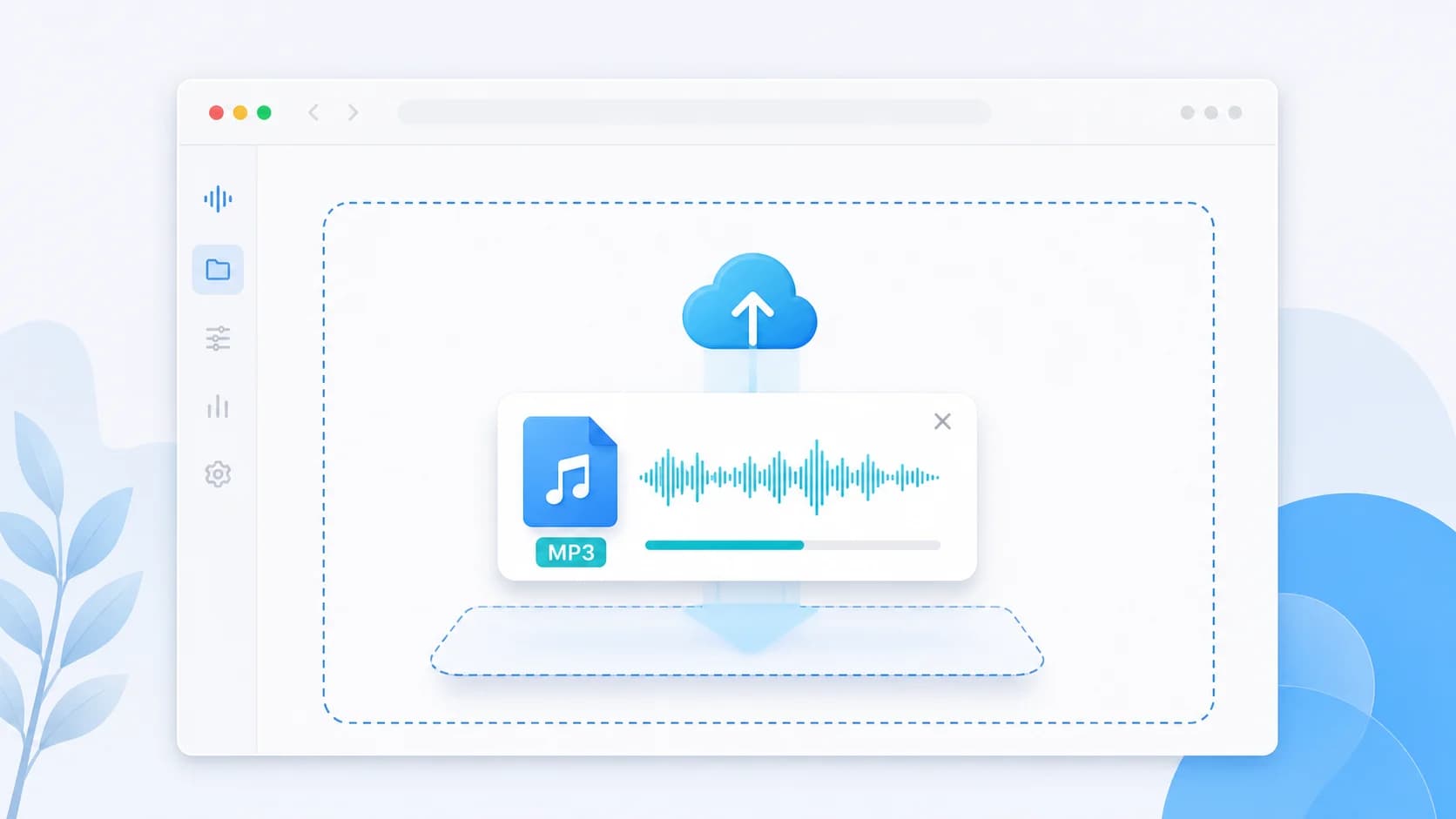
Upload the large WAV source file
Start with the raw or exported WAV recording that is too large for your current sharing, upload, or review workflow.
Reduce oversized WAV files for easier uploads, review copies, and delivery versions that do not choke email or mobile sharing. (WAV फ़ाइलों का आकार कम करें।)
A WAV compressor solves a different problem than a general audio compressor. People arriving here often already have a large file on their hands: a recording export from an editor, a podcast master, a classroom capture, a rehearsal take, or a raw interview. WAV is valuable because it is uncompressed or lightly compressed, but that same quality makes the files heavy and awkward for day-to-day sharing.
That means this page should not talk like a generic format hub. It needs to explain the real reason users search for a WAV compressor: they are trying to turn a large working file into a smaller delivery file without losing control of how the final audio sounds. In many cases the right move is not to keep WAV at all. It is to export from WAV into MP3 or M4A so the result becomes easier to send, preview, and upload.
Use this page when file size is the obstacle, not when archival quality is the main goal. Keep your original WAV for editing and backup. Then create a lighter review or sharing version for clients, teams, students, or social workflows. This approach protects the master while removing the practical pain of trying to send enormous files through channels that were never designed for them.
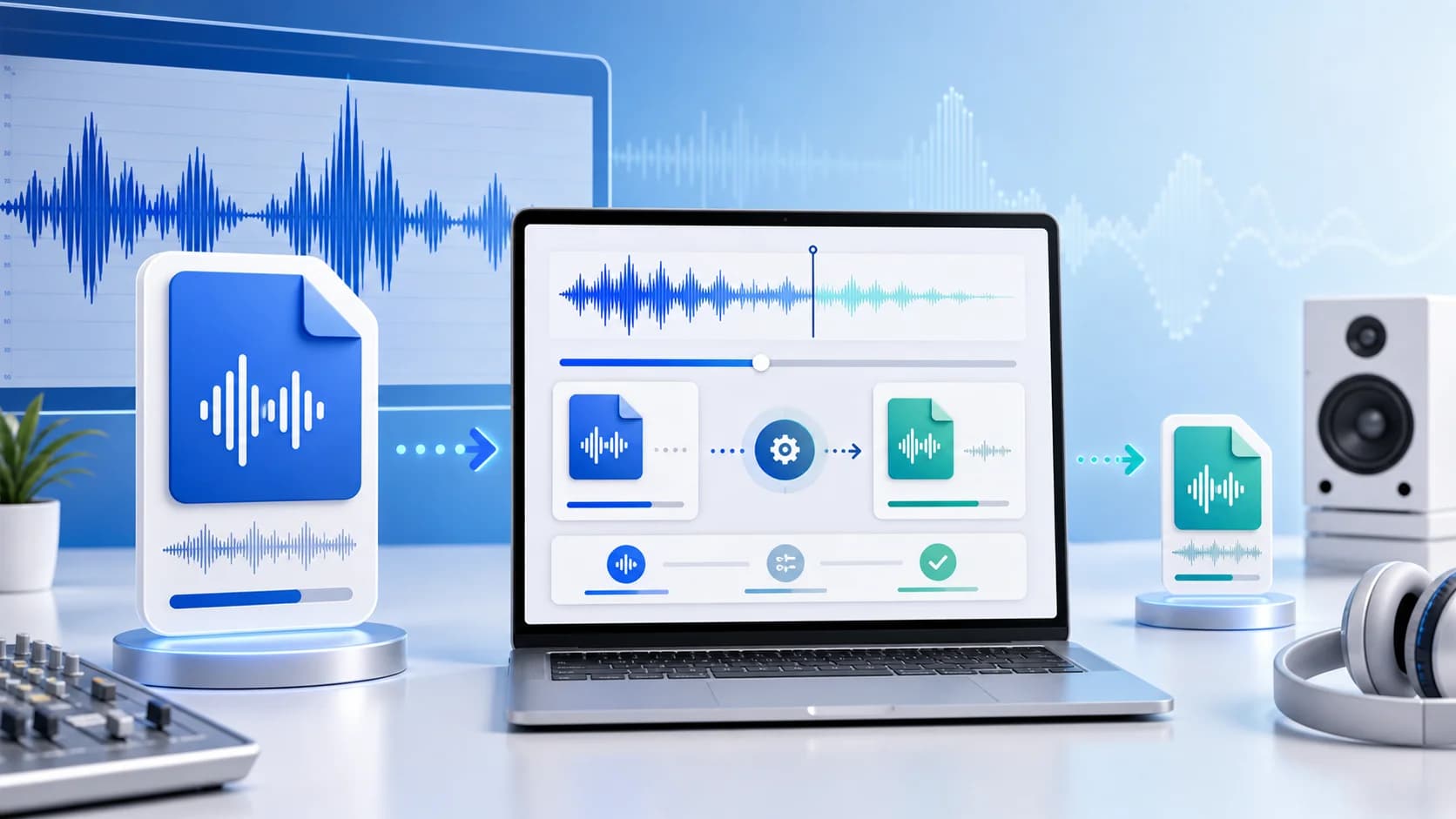
This page image tells the raw-to-delivery story clearly, which matters because users searching for a WAV compressor are usually trying to solve the problem of oversized source files.
Pro Tip: Compressing audio files significantly speeds up upload times and reduces storage costs, especially for large podcasts and voiceovers.
Three simple steps to reduce your audio file size instantly.
Start with the raw or exported WAV recording that is too large for your current sharing, upload, or review workflow.
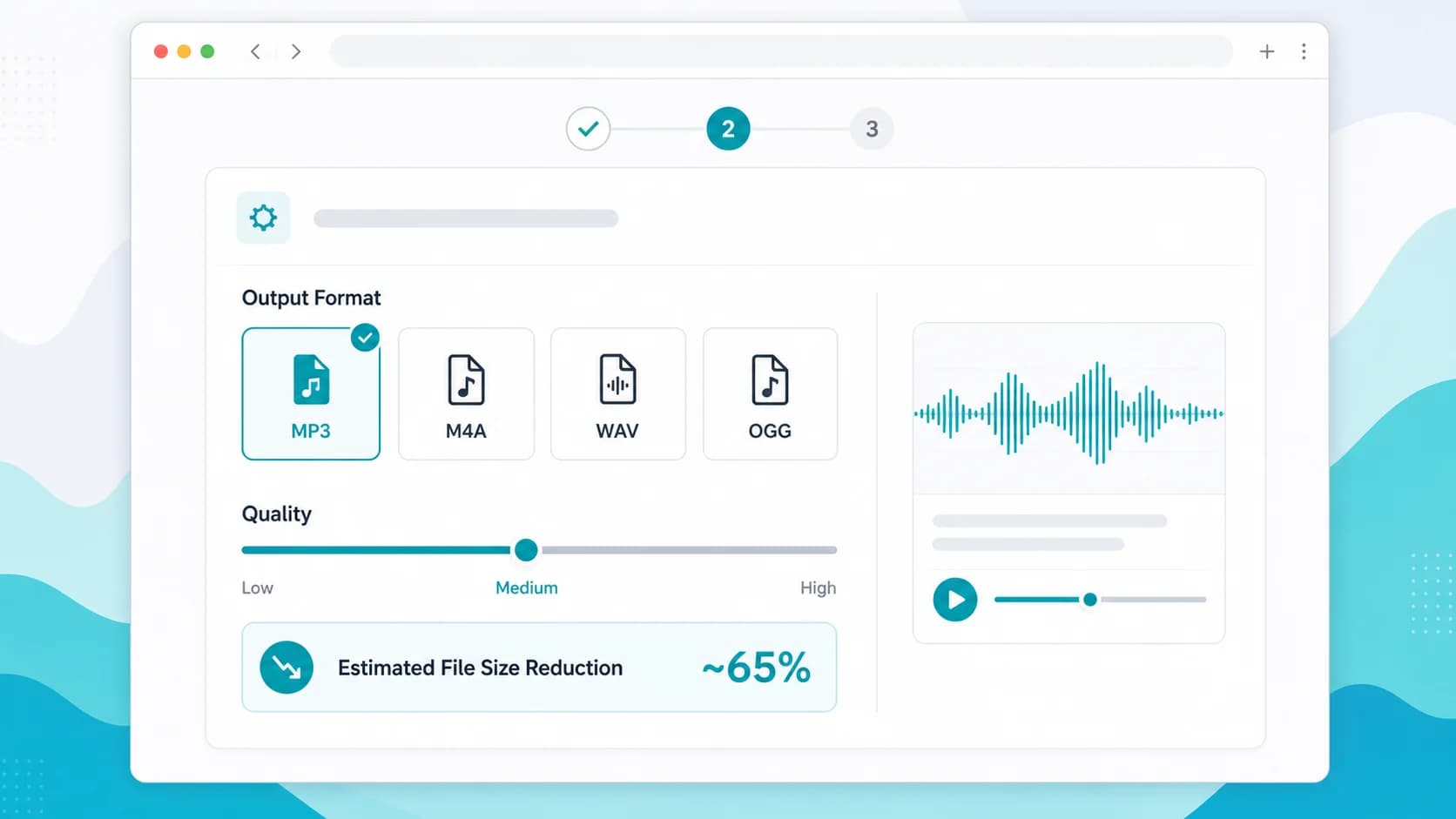
Choose MP3 or M4A when the goal is smaller size, then set a quality level that fits voice, podcast, or music preview needs.
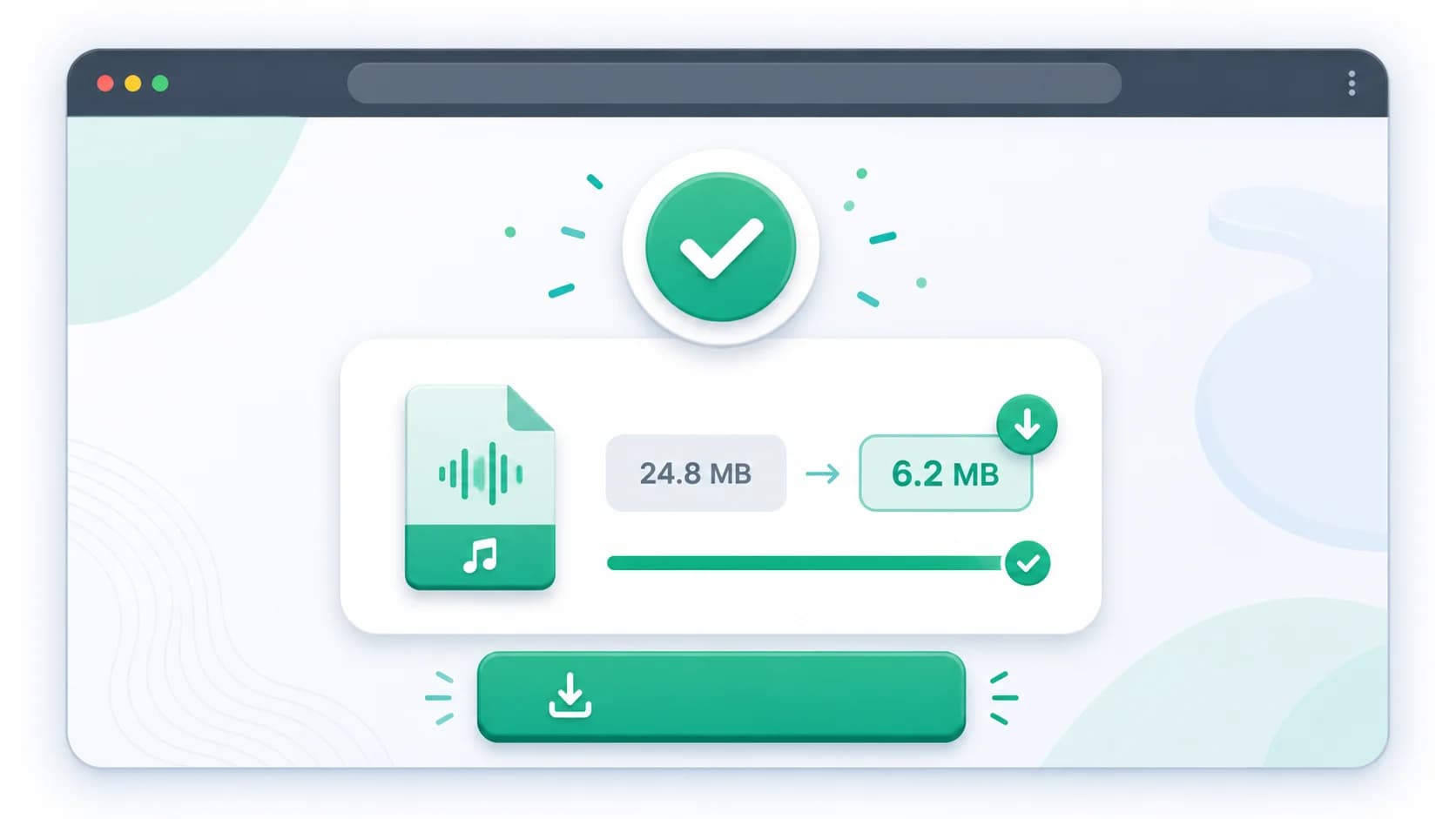
Save the reduced file for email attachments, WhatsApp sharing, CMS uploads, or faster team approvals.
Discover the main benefits of using our specialized online audio compressor tool.
WAV files are often too large for normal collaboration, so a dedicated page helps users convert them into practical delivery assets.
You can keep the original WAV untouched while making a lighter file for review, upload, or approval loops.
Large WAV attachments commonly fail or slow down handoffs, especially when teams are sharing files from mobile hotspots.
A smaller delivery file lets collaborators listen and comment without downloading a massive source export first.
Lecture captures and long-form recordings often start large, so converting from WAV is one of the fastest workflow wins.
| Format | Use Case | Compression Efficiency | Best For |
|---|---|---|---|
| MP3 | WAV to universal delivery | High | Client review copies and broad playback compatibility |
| M4A | WAV to efficient mobile delivery | Very High | Smaller review files when the audience mostly uses recent phones |
| WAV | Keep original master | Low | Archiving and editing, not routine sharing |
| OGG | Web-specific alternate export | High | Browser-based playback cases where you control the environment |
WAV files preserve a lot of data, which is useful for editing but creates much larger file sizes than everyday messaging, email, and review workflows usually handle well.
Usually no. If your goal is smaller size, the practical move is often to export from WAV into MP3 or M4A while keeping the original WAV as your master file.
Not only. It is also useful for podcasters, teachers, interviewers, agencies, and internal teams who regularly end up with bulky WAV exports.
Yes. That is one of the best uses for a WAV compressor because review copies rarely need full master-file weight.
MP3 is safest for universal playback, while M4A is often more efficient if your listeners mainly use modern mobile devices.
A broader workflow for deciding how far to compress large source exports.
Useful when you are starting from a high-quality WAV master and want a clean delivery file.
Compare the two most practical output formats for lighter review and sharing versions.