
Best Audio Format for WhatsApp in India — MP3 vs M4A vs OGG
Compare MP3, M4A, and OGG for WhatsApp audio sharing in India. See quality, size, and compatibility tradeoffs before you send.
By AudioCompressor.in | Published 2025-01-17 | Updated 2025-01-17
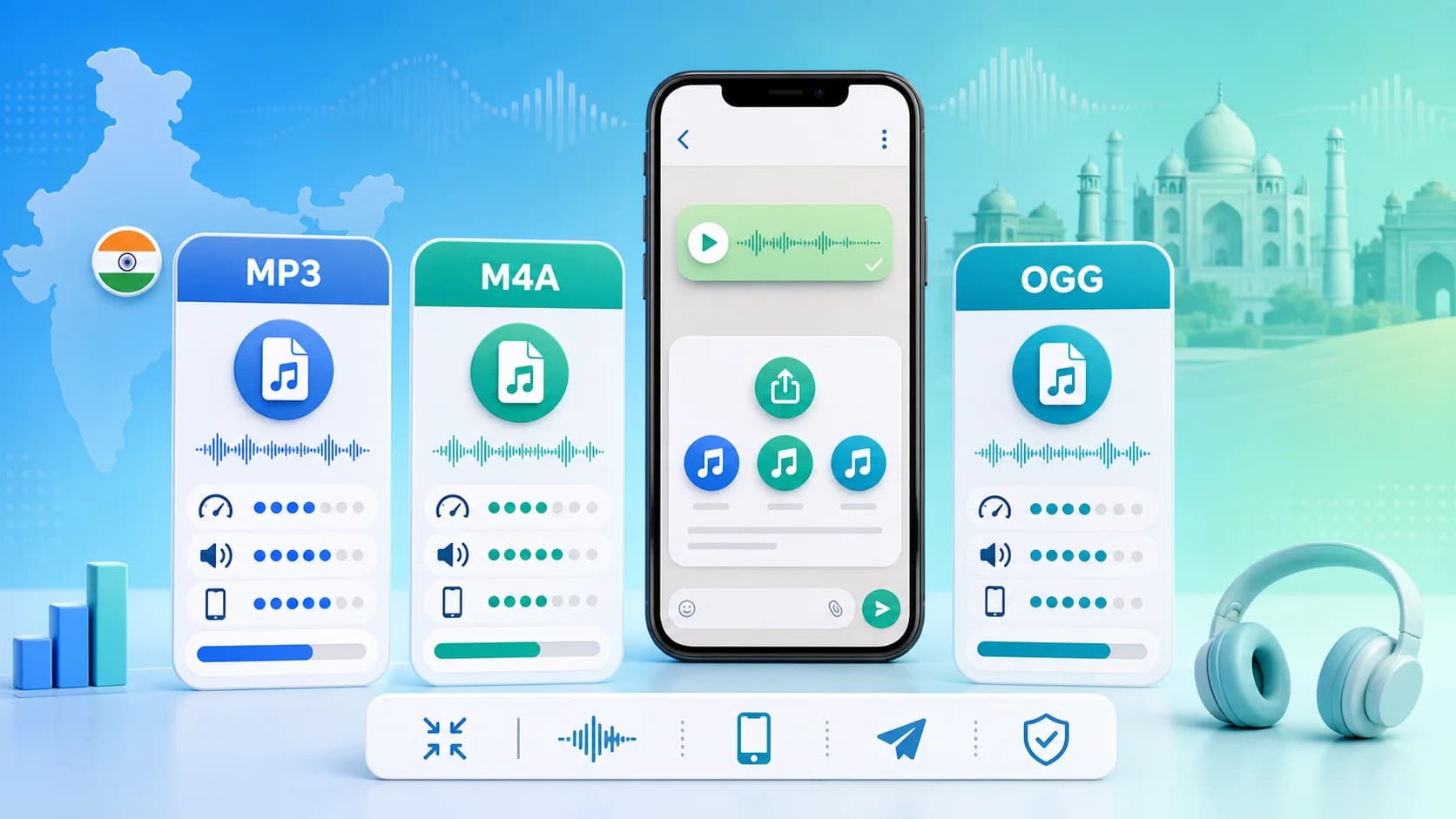
Why this article uses a visual explainer
The image is paired with the guide so readers can understand the core workflow faster and search engines can connect the image topic with the surrounding page intent.
This is especially helpful for format comparisons, file-size reduction tutorials, and quality-preservation guides where a strong visual summary adds context before the detailed steps begin.
If you regularly share audio on WhatsApp in India, picking the right format can save time, data, and frustration. People often ask whether MP3, M4A, or OGG is better. The short answer is: M4A usually gives the best quality-to-size balance, MP3 gives the widest compatibility, and OGG can be efficient but less universal in legacy workflows.
This guide breaks down the tradeoffs in plain language so you can choose the right default for your own use case.
Why Format Choice Matters on WhatsApp
WhatsApp works across many phones, OS versions, and network conditions. In India, users often switch between mobile data and unstable Wi-Fi, so lighter files usually win. Large files take longer to send, fail more often, and consume extra data for both sender and receiver.
The ideal format should:
- Upload quickly.
- Play correctly on most devices.
- Keep voice and music quality clear.
- Stay small enough for repeated sharing.
That is where MP3, M4A, and OGG differ.
MP3 on WhatsApp: Maximum Compatibility
MP3 is still the most widely accepted format across software and devices. If you need near-guaranteed playback, MP3 is a safe choice.
MP3 strengths
- Universal support.
- Easy editing across tools.
- Predictable behavior in most workflows.
MP3 limitations
- At the same bitrate, MP3 may sound slightly worse than M4A.
- File size can be larger for similar perceived quality.
Use MP3 when your audience includes older devices or mixed environments where compatibility is more important than squeezing every MB.
You can optimize MP3 quickly on our MP3 compressor page.
M4A on WhatsApp: Best Everyday Efficiency
M4A (AAC) is often the best practical format for modern phones. It usually gives cleaner sound than MP3 at the same or lower bitrate.
M4A strengths
- Better quality at lower bitrates.
- Smaller files for many speech and music use cases.
- Excellent for mobile-first sharing.
M4A limitations
- Slightly less universal than MP3 in very old software stacks.
For most WhatsApp users in India today, M4A is a strong default. If your recipients are mostly on current Android/iPhone devices, M4A is often the smarter format.
Try it on M4A compressor.
OGG on WhatsApp: Efficient but Niche
OGG can be compact and quality-efficient, especially in web contexts. But for broad sharing workflows, it is less common than MP3/M4A.
OGG strengths
- Good compression efficiency.
- Strong for certain web-first pipelines.
OGG limitations
- Lower familiarity among non-technical users.
- Potential compatibility friction in some older app combinations.
Use OGG only when your audience and playback path are known in advance.
Recommended Bitrates for WhatsApp in India
Network variability in many regions means you should target lean, practical outputs:
- Voice notes: 48-80 kbps
- Spoken explainers: 64-96 kbps
- Music snippets: 96-160 kbps
If a file still feels too large, lower bitrate gradually instead of jumping from high to very low settings.
Real-World Use Cases
Coaching and EdTech
Teachers and coaches send frequent voice guidance. M4A at moderate bitrate gives clear speech while keeping file sizes low for students on limited data plans.
Small Business Teams
Sales and operations teams share updates through WhatsApp groups. MP3 is useful when teams use mixed device types and older phones.
Content Creators
For preview clips and drafts, M4A often delivers better polish at lower size. Save MP3 exports when collaborators demand it.
Quick Comparison Table
| Format | Compatibility | Size Efficiency | Quality at Lower Bitrate | Best For | |---|---|---|---|---| | MP3 | Very High | Good | Good | Universal sharing | | M4A | High | Very High | Very Good | Mobile-first workflows | | OGG | Medium | High | Very Good | Controlled web workflows |
How to Pick in 20 Seconds
Use this quick rule:
- Need maximum compatibility? Choose MP3.
- Need best size and quality balance? Choose M4A.
- Need specialized web workflow? Choose OGG.
Then run compression on audio compressor online and test playback in WhatsApp before final sharing.
Common WhatsApp Audio Mistakes
- Sending raw WAV files.
- Over-compressing voice until consonants blur.
- Ignoring playback checks on actual phones.
- Re-compressing an already degraded file multiple times.
Avoiding these mistakes gives better consistency than chasing theoretical audio settings.
Final Recommendation
For most users in India, M4A is the best default for WhatsApp audio in 2025 because it keeps quality higher at smaller sizes. Keep MP3 as backup when broad compatibility is non-negotiable. Use OGG only when you control the playback environment.
If you want a format-by-format workflow, read MP3 vs M4A comparison next, then test with the free audio compressor.
India-Specific Sharing Tips
For users in India, audio sharing behavior is often shaped by three factors: network quality variation, mixed device age, and heavy use of group messaging. These conditions make format choice more practical than theoretical.
Network Variability
When connections fluctuate between 4G, 5G, and unstable Wi-Fi, lighter files dramatically reduce resend attempts. M4A often helps because it reaches similar quality at lower size.
Device Diversity
Many groups include both recent smartphones and older handsets. In these mixed groups, MP3 remains a safe fallback whenever playback consistency is critical.
High-Frequency Sharing
If you send dozens of clips each week, even small size reductions accumulate into significant time savings and lower mobile data use.
Suggested Team Policy
For business teams, coaching groups, and creator collaborations, a simple policy works well:
- Use M4A as default.
- Keep MP3 backup exports for compatibility.
- Use moderate quality for voice.
- Reserve high bitrate for music-led content.
With this policy, most teams avoid avoidable delays and quality complaints.